PDF → Word · Free · No sign-up
Convert PDF to Editable Word Online
Turn any PDF into a fully editable Word document — free, in your browser, with the formatting kept intact. Most converters hand you a picture of your document trapped in text boxes. We rebuild it as a clean .docx you can actually type in.
Upload a PDF Basic mode is free and needs no account: 10 pages a day and 100 a month, rising to 100 pages a day and 1,000 a month once you sign in. Scanned pages come back as page images, with any text the PDF already carries left editable. AI mode transcribes scans into real editable text — sign in and add a payment method, or paste your own API key below. No watermark.
Converting…
Off by default. Your PDF is deleted on schedule unless you tick this; ticked, it is kept for our engineers to study this conversion. Untick any time.
Options · AI / Basic · your own key
Advanced — bring your own AI provider
Scanned pages are read by an AI vision model. Bring your own provider to convert scanned pages at your provider’s rates and the quality you choose.
Applies to your own key. Scanned pages use AI vision either way.
Used only for this one conversion. Never stored, never logged.
Proof
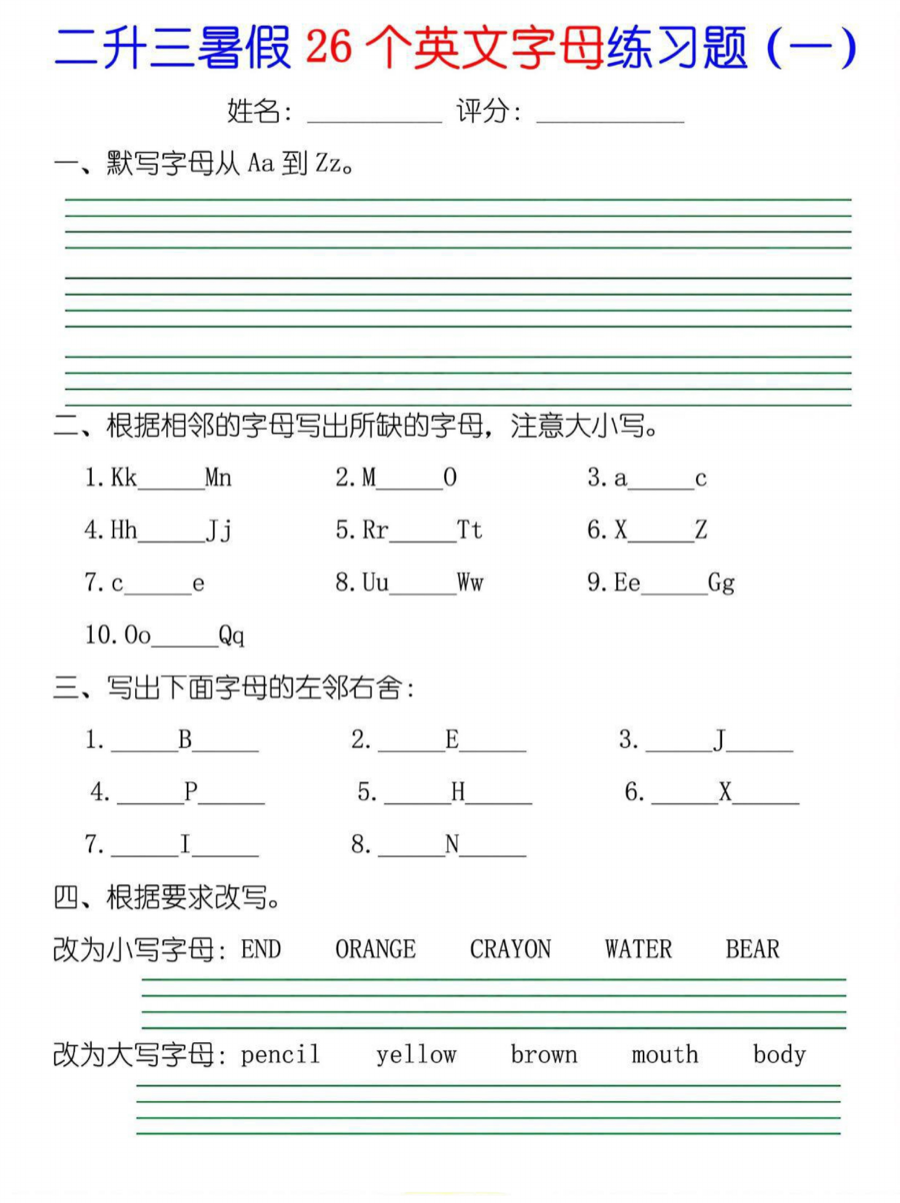
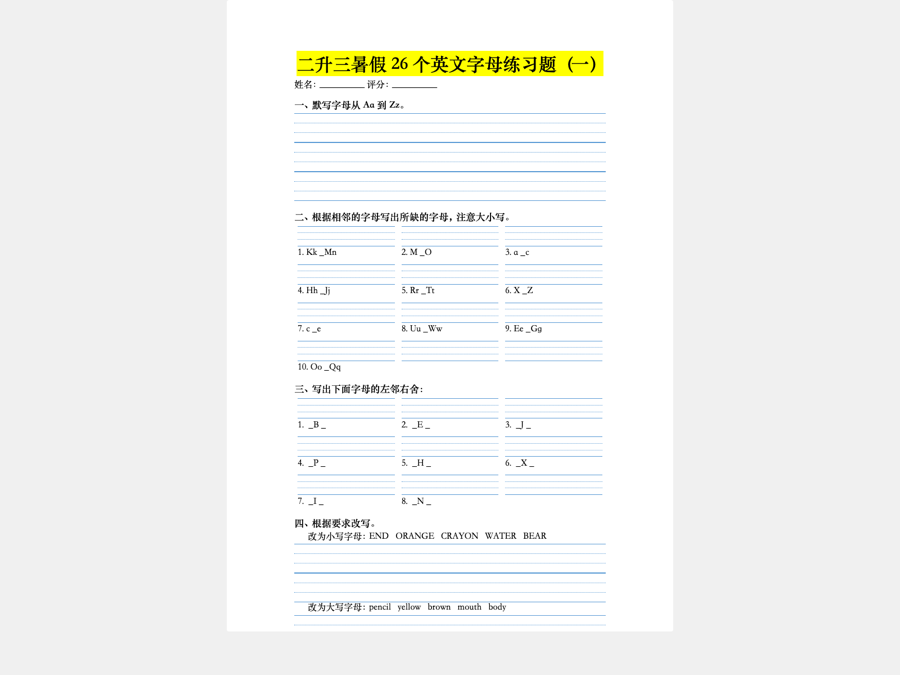
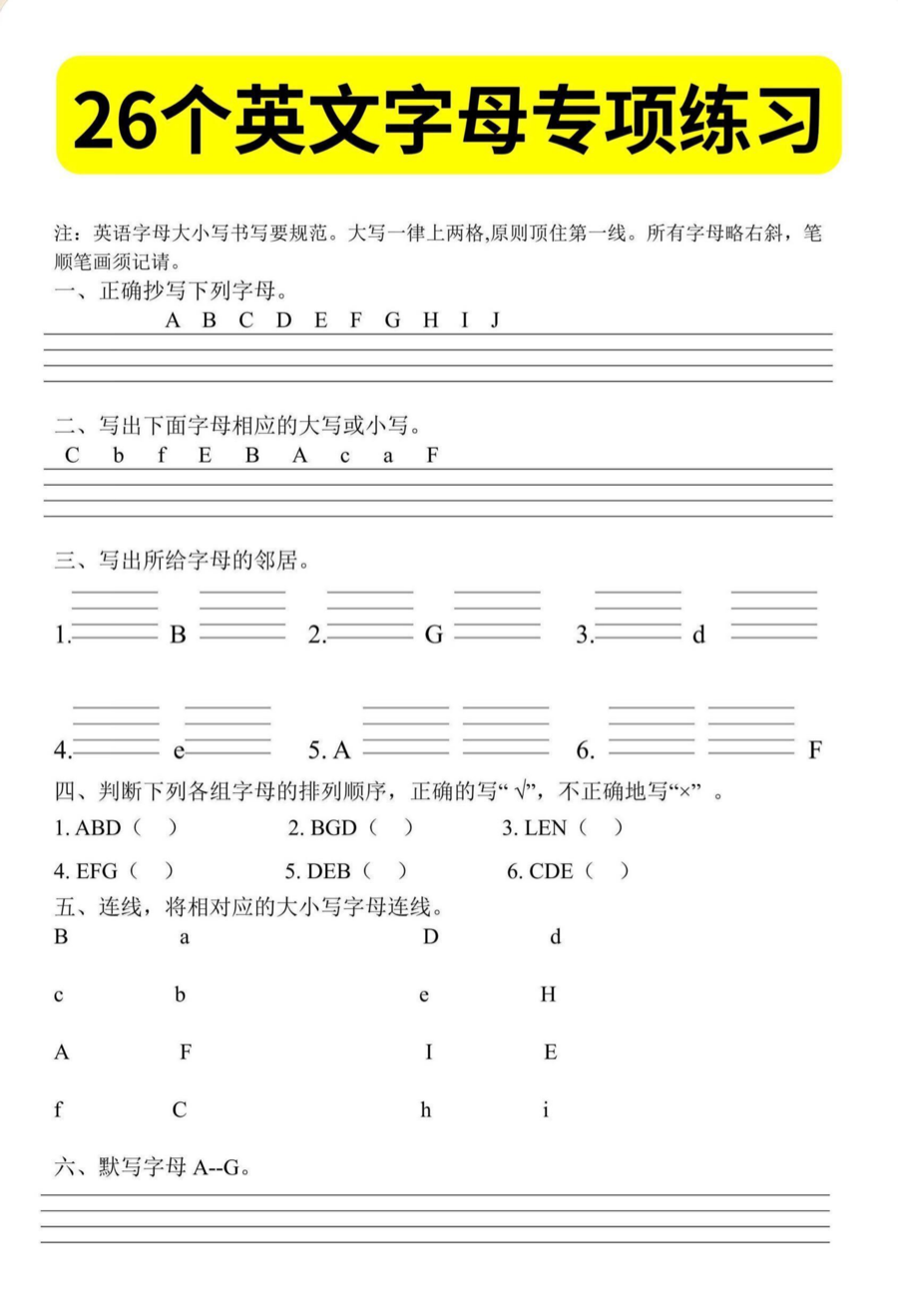
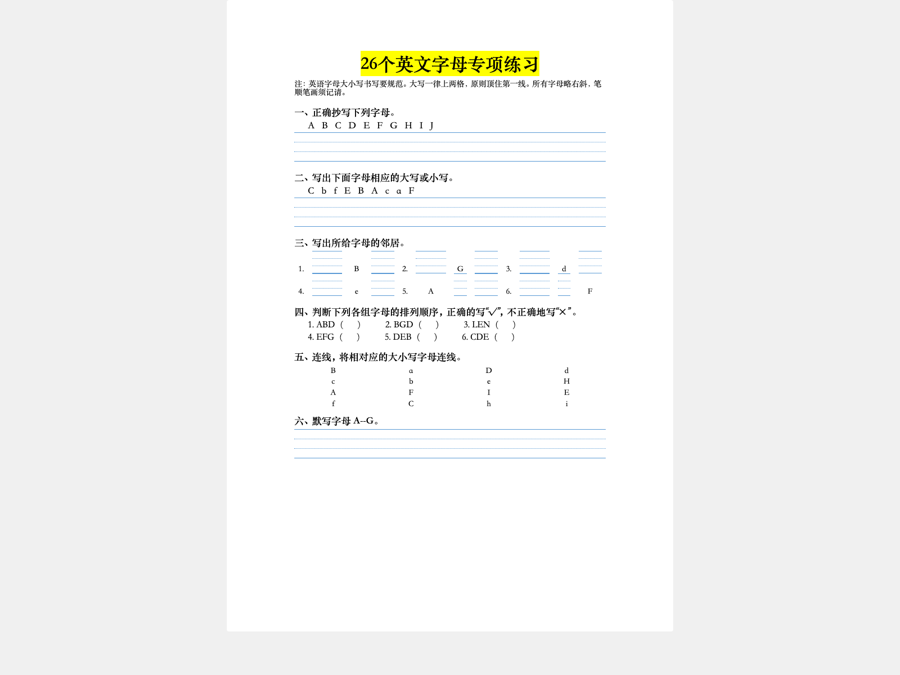
Others give you a picture. We give you an editable document.
Last updated: 2026-09-16
Three steps
How it works
- Upload your PDF (or drag it onto the page).
- We detect whether each page is text or a scan and convert accordingly.
- Download the finished Word document, with the formatting preserved.
That is the whole flow, start to finish: no redirects, no pop-ups, no software to install. The finished .docx downloads straight to your device. Pick Excel or Markdown in the output-format selector and the same three steps hand you an .xlsx spreadsheet or a Markdown bundle instead. For the slower, step-by-step version — including what Word and Google Docs offer built in — see how to convert a PDF to Word.
Editing a converted file should feel like editing a document you wrote yourself. The whole point is to edit a PDF without wrecking the formatting: you get real, selectable text in real paragraphs — not a scan pasted into a frame. Change a heading, fix a number in a table, delete a paragraph or restyle a list, and the page reflows the way Word is meant to, with nothing jumping out of place.
Keep your formatting — no broken layouts
People search for a way to convert PDF to editable Word without losing formatting for a simple reason: ordinary converters destroy the layout. They drop your text into dozens of overlapping frames, so the moment you edit one line the whole page shifts. EditPDFWord reads the page the way a person does, then rebuilds real headings, paragraphs, tables and lists in Word. The result is a Word file that keeps your formatting — margins, tables and structure survive the round trip.
Because we rebuild the document instead of tracing a picture of it, you keep the layout intact — everything arrives as native Word objects you can actually edit:
- Headings and body text as real Word styles, not free-floating boxes.
- Tables with rows and columns you can retype, resize and re-order.
- Numbered and bulleted lists that keep their numbering when you add an item.
- Page structure — margins, columns and spacing — that holds together as you type.
For the mechanisms behind each of those — why some converters emit boxes instead, and how to check any file for it, ours included — see convert PDF to Word without losing formatting.
Works with scanned PDFs (AI)
Scanned pages are where other tools give up and simply embed an image. Our AI reads the scan, recovers the text, and reconstructs the layout — so even a photographed or scanned PDF comes back as a real Word document. This is the AI PDF converter to Word that treats a scan as a document, not a photo. Chinese worksheets, forms with ruled grids, and multi-column reports all come back as documents you can keep working in. If that is your case, there is a longer walkthrough of converting a PDF with Chinese characters — the three different reasons the text arrives as boxes or tofu, and what to do about CJK fonts. For the general case — any photocopy or phone photo, not just Chinese ones — see the full scanned PDF to Word walkthrough, OCR limits included. Considering an AI assistant instead of a converter? See how that compares in converting a PDF to Word with ChatGPT.
Same engine, two other outputs: Excel and Markdown
Word is the default and it is what most people come for, but the same rebuild can hand you two other formats from the same upload. A table-heavy PDF — an invoice run, a price list, a bank statement — can go straight to a real Excel spreadsheet: one worksheet per page, with cells you can retype, sort and total. If what you need is to get a PDF table to Excel, that is the path, and what arrives is a spreadsheet, not a picture of the table parked in a cell. The PDF table to Excel page walks through it in detail, merged headers and leading zeros included.
Text pages can come back as Markdown instead. Converting a PDF to Markdown gives you a .zip holding the .md file and every image it references, with headings, lists and tables written as plain Markdown syntax — ready to drop into a docs site, a wiki or a notebook. Choose the format before you convert; pricing is per page either way, so the choice costs nothing.
Free, no sign-up
Convert PDF to editable Word online, free, with no account and no watermark. Basic mode is free and needs no account: 10 pages a day and 100 a month, rising to 100 pages a day and 1,000 a month once you sign in. Scanned pages come back as page images there; AI mode transcribes them into real editable text. AI mode, which transcribes scanned pages into real editable text, requires a signed-in account with a payment method on file and draws on that same account allowance; beyond it, purchased pages are charged. Converting with your own API key is not metered at all. Nothing is emailed to you, nothing is locked behind a paywall to download — you upload, you convert, you download the .docx.
Whether you are reusing a contract, updating a worksheet, or lifting a few paragraphs out of a longer report, the goal is the same: get your PDF into Word without losing formatting, then get straight to the real editing — no cleanup pass, no rebuilding tables by hand, and no fighting with text boxes. Your document should come back ready to change, not just to look at.
Not sure whether you need an editable PDF, a fillable form or a Word file you can actually edit? How to make a PDF editable — three routes lays out the difference and which one fits your file.
Questions
FAQ
Is this PDF to editable Word converter really free?
Yes. Basic mode is free and needs no account: 10 pages a day and 100 a month, rising to 100 pages a day and 1,000 a month once you sign in. Scanned pages come back as page images there; AI mode transcribes them into real editable text once you sign in and add a payment method, or with your own API key.
Can it convert a scanned PDF to editable Word?
Yes. In AI mode our vision model reads the scan (OCR), recovers the text and rebuilds the layout, so a scanned PDF becomes an editable Word document. AI mode needs you to sign in and add a payment method, or paste your own API key; Basic mode embeds those pages as images instead. AI mode, which transcribes scanned pages into real editable text, requires a signed-in account with a payment method on file and draws on that same account allowance; beyond it, purchased pages are charged. Converting with your own API key is not metered at all.
Will it convert PDF to Word without losing formatting?
That is the point of the tool. We rebuild real headings, tables and paragraphs instead of dropping text into overlapping boxes, so formatting is preserved.
Do I need to install any software or sign up?
No. It runs online in your browser. Upload, convert, download the .docx — no account, no watermark.
Is there an offline / OCR option?
Scanned conversion uses AI OCR online today. A downloadable offline mode is on the roadmap.
Can it convert PDF tables to Excel?
Yes. Choose Excel (.xlsx) as the output format and a table-heavy PDF comes back as a real spreadsheet — one worksheet per page, with cells you can retype, sort and total, not a screenshot dropped into a cell. Conversion is priced per page, and the output format you pick does not change the price.
Can it output Markdown?
Yes. Pick Markdown and a text PDF downloads as a .zip holding the .md file plus every image it references, so headings, lists and tables arrive as plain Markdown syntax you can paste into a docs site, a wiki or a notebook. Same per-page pricing as Word and Excel.